


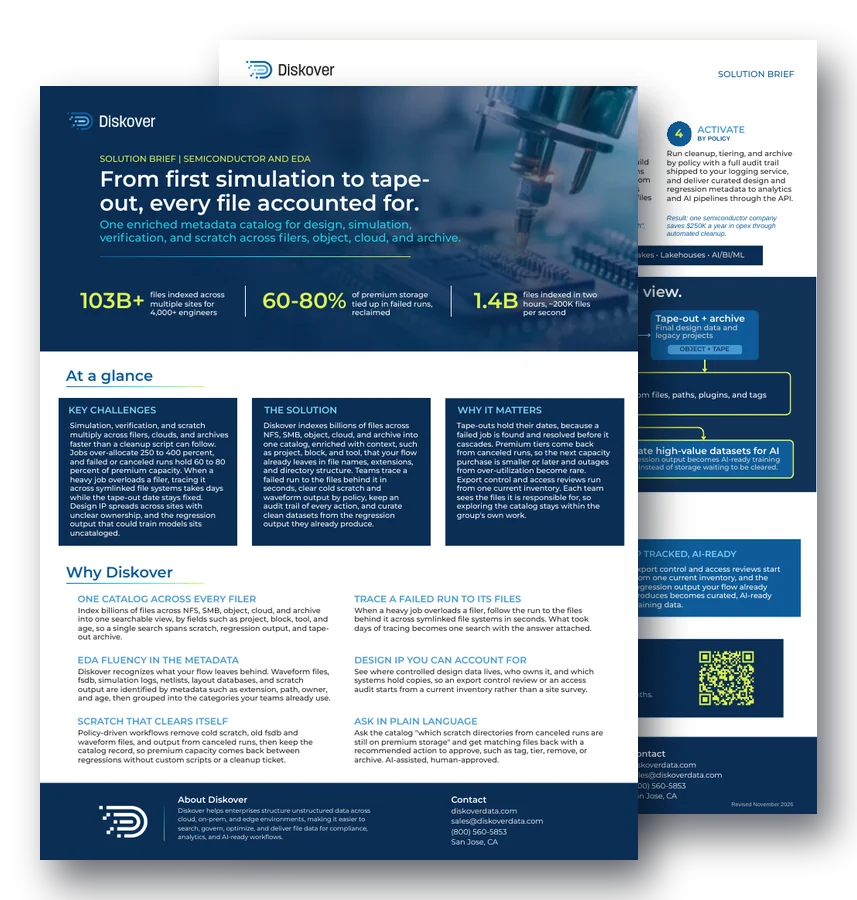
SOLUTION BRIEF | SEMICONDUCTOR AND EDA
From first simulation to tape-out, every file accounted for.
One enriched metadata catalog for design, simulation, verification, and scratch across filers, object, cloud, and archive.
103B+
files indexed across multiple sites for 4,000+ engineers
60-80%
of premium storage tied up in failed runs, reclaimed
1.4B
files indexed in two hours, about 200K files per second
At a glance.
Key challenges.
Simulation, verification, and scratch multiply across filers, clouds, and archives faster than a cleanup script can follow. Jobs over-allocate 250 to 400 percent, and failed or canceled runs hold 60 to 80 percent of premium capacity. When a heavy job overloads a filer, tracing it across symlinked file systems takes days while the tape-out date stays fixed.
The solution.
Diskover indexes billions of files across NFS, SMB, object, cloud, and archive into one catalog, enriched with context, such as project, block, and tool, that your flow already leaves in file names, extensions, and directory structure. Teams trace a failed run to the files behind it in seconds, clear cold scratch by policy, and curate clean datasets from regression output.
Why it matters.
Tape-outs hold their dates, because a failed job is found and resolved before it cascades. Premium tiers come back from canceled runs, so the next capacity purchase is smaller or later. Export control and access reviews run from one current inventory.
Why Diskover.
One catalog across every filer.
Index billions of files across NFS, SMB, object, cloud, and archive into one searchable view, by fields such as project, block, tool, and age, so a single search spans scratch, regression output, and tape-out archive.
Trace a failed run to its files.
When a heavy job overloads a filer, follow the run to the files behind it across symlinked file systems in seconds. What took days of tracing becomes one search with the answer attached.
EDA fluency in the metadata.
Diskover recognizes what your flow leaves behind. Waveform files, fsdb, simulation logs, netlists, layout databases, and scratch output are identified by metadata such as extension, path, owner, and age, then grouped into the categories your teams already use.
Design IP you can account for.
See where controlled design data lives, who owns it, and which systems hold copies, so an export control review or an access audit starts from a current inventory rather than a site survey.
Scratch that clears itself.
Policy-driven workflows remove cold scratch, old fsdb and waveform files, and output from canceled runs, then keep the catalog record, so premium capacity comes back between regressions without custom scripts or a cleanup ticket.
Ask in plain language.
Ask the catalog “which scratch directories from canceled runs are still on premium storage” and get matching files back with a recommended action to approve, such as tag, tier, remove, or archive. AI-assisted, human-approved.
How it works.
1. Connect
STORAGE OR IT TEAM
Point Diskover at your filers, object stores, cloud buckets, and archive tiers, including symlinked and automounted paths. Indexing runs in place, so design data stays where the flow and the scheduler expect it.
Example: every filer, including symlinked paths, is cataloged where it sits.
2. Catalog
AUTOMATION
Every file becomes a searchable record with rich metadata, such as name, path, and owner, enriched with project and block tokens from the path, directory lineage, and classification tags.
Example: a waveform file now shows its project, block, tool, and age.
3. Curate
ANY AUTHORIZED TEAM
Tag by fields such as project, block, tool, and run status. Build saved searches for what teams ask weekly, such as scratch from canceled runs, waveform files past their review window, or files tied to a taped-out block.
Example: a design engineer or CAD manager saves “canceled-run scratch”.
4. Activate
BY POLICY
Run cleanup, tiering, and archive by policy with a full audit trail shipped to your logging service, and deliver curated design and regression metadata to analytics and AI pipelines through the API.
Result: one semiconductor company saves $250K a year in opex through automated cleanup.
Key outcomes.
Tape-outs hold their dates.
Failed and runaway jobs are traced to their files in seconds instead of days, so a filer problem is resolved before it cascades into a schedule slip.
Premium capacity comes back.
Cold scratch, old waveform files, and output from canceled runs clear by policy, which brings back the capacity they held and defers the next purchase.
IP tracked, AI-ready.
Export control and access reviews start from one current inventory, and the regression output your flow already produces becomes curated, AI-ready training data.
Questions people ask.
Why does EDA storage fill up so fast?
Simulation, verification, and scratch output multiply at every step of the flow, and failed or canceled runs keep their files on premium storage. Without a catalog, no one can see which output is still needed.
How does Diskover trace a failed run to its files?
Diskover catalogs every filer, including symlinked and automounted paths, with project, block, and tool fields from the path. A search follows the run to its files in seconds instead of days of manual tracing.
Does Diskover read design files?
No. Diskover identifies waveform files, fsdb, logs, netlists, and layout databases by metadata, such as extension, path, owner, and age. Design file contents are not read.
How does scratch cleanup work without custom scripts?
Policies remove or tier cold scratch, old waveform files, and canceled-run output on a schedule, keep the catalog record, and log every action. See policy-based data management.
How much can a semiconductor company save?
One semiconductor company with 103 billion files across four sites saves millions on storage, including $250K a year in opex from automated cleanup policies alone.
How often does Diskover re-index scratch and archive storage?
Diskover indexes storage by volume, and you decide the indexing schedule for each one, based on its size and on how often its files change. Scratch and regression volumes are often re-indexed every 10 to 30 minutes, while tape-out archive volumes are usually re-indexed once a week or once a month. Rescans are faster than the first index, about 500,000 to 600,000 files per second, because Diskover skips folders that have not changed. See the Diskover FAQ.
Related resources.
See it on your own data.
We’ll index a sample of your environment and show you
what’s recoverable against your current storage spend.