


SOLUTION BRIEF | LIFE SCIENCE
From sample to archive, every file accounted for.
One enriched metadata catalog for sequencing, imaging, and analysis data across HPC, NAS, object, cloud, and archive.
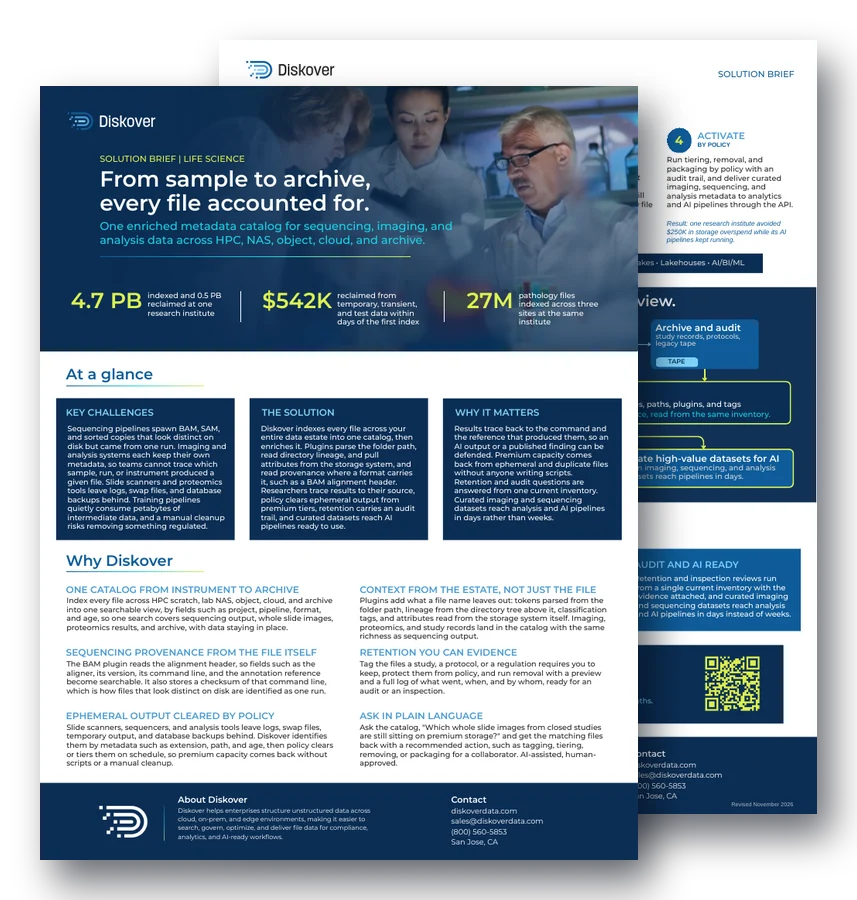
4.7 PB
indexed and 0.5 PB reclaimed at one research institute
$542K
reclaimed from temporary, transient, and test data within days of the first index
27M
pathology files indexed across three sites at the same institute
At a glance.
Key challenges.
Sequencing pipelines spawn BAM, SAM, and sorted copies that look distinct on disk but came from one run. Imaging and analysis systems each keep their own metadata, so teams cannot trace which sample, run, or instrument produced a given file. Slide scanners and proteomics tools leave logs, swap files, and database backups behind, and a manual cleanup risks removing something regulated.
The solution.
Diskover indexes every file across your entire data estate into one catalog, then enriches it. Plugins parse the folder path, read directory lineage, pull attributes from the storage system, and read provenance where a format carries it, such as a BAM alignment header. Policy clears ephemeral output from premium tiers, and curated datasets reach AI pipelines ready to use.
Why it matters.
Results trace back to the command and the reference that produced them, so an AI output or a published finding can be defended. Premium capacity comes back from ephemeral and duplicate files without anyone writing scripts. Curated imaging and sequencing datasets reach analysis and AI pipelines in days rather than weeks.
Why Diskover.
One catalog from instrument to archive.
Index every file across HPC scratch, lab NAS, object, cloud, and archive into one searchable view, by fields such as project, pipeline, format, and age, so one search covers sequencing output, whole slide images, proteomics results, and archive, with data staying in place.
Context from the estate, not just the file.
Plugins add what a file name leaves out: tokens parsed from the folder path, lineage from the directory tree above it, classification tags, and attributes read from the storage system itself. Imaging, proteomics, and study records land in the catalog with the same richness as sequencing output.
Sequencing provenance from the file header.
The BAM plugin reads the alignment header, so fields such as the aligner, its version, its command line, and the annotation reference become searchable. It also stores a checksum of that command line, which is how files that look distinct on disk are identified as one run.
Retention you can evidence.
Tag the files a study, a protocol, or a regulation requires you to keep, protect them from policy, and run removal with a preview and a full log of what went, when, and by whom, ready for an audit or an inspection.
Ephemeral output cleared by policy.
Slide scanners, sequencers, and analysis tools leave logs, swap files, temporary output, and database backups behind. Diskover identifies them by metadata such as extension, path, and age, then policy clears or tiers them on schedule, so premium capacity comes back without scripts or a manual cleanup.
Ask in plain language.
Ask the catalog, “Which whole slide images from closed studies are still sitting on premium storage?” and get the matching files back with a recommended action, such as tagging, tiering, removing, or packaging for a collaborator. AI-assisted, human-approved.
How it works.
1. Connect
STORAGE OR IT TEAM
Point Diskover at HPC file systems, lab NAS, object, cloud, and archive. Indexing runs in place, so images, sequencing output, and analysis files stay where instruments and pipelines expect them.
Example: a sequencing share on HPC scratch is cataloged where it sits.
2. Catalog
AUTOMATION
Every file becomes a searchable record with rich metadata, such as name, path, and owner, enriched with path tokens, directory lineage, classification tags, and storage attributes.
Example: a BAM file now shows its aligner, version, and reference.
3. Curate
ANY AUTHORIZED TEAM
Tag by fields such as study, protocol, project, and status. Build saved searches for what teams ask weekly, such as ephemeral scanner output still on premium storage, or every file tied to a closed study.
Example: a scientist or lab manager saves “closed studies” as a search.
4. Activate
BY POLICY
Run tiering, removal, and packaging by policy with an audit trail, and deliver curated imaging, sequencing, and analysis metadata to analytics and AI pipelines through the API.
Result: one research institute avoided $250K in storage overspend while its AI pipelines kept running.
Key outcomes.
Traceable results.
Researchers trace any image, read, or result back to the run that produced it in one search, so review, reproduction, and publication questions stop pulling people off study work.
Storage that stays clean.
Scanner logs, swap files, duplicate reads, and abandoned training output move off premium tiers by policy, so capacity comes back on its own and the next storage purchase is smaller or later.
Audit and AI ready.
Retention and inspection reviews run from a single current inventory with the evidence attached, and curated imaging and sequencing datasets reach analysis and AI pipelines in days instead of weeks.
Questions people ask.
Why do sequencing pipelines create so many duplicate-looking files?
A single run produces BAM, SAM, and sorted copies that look distinct on disk. The BAM plugin stores a checksum of the command line in the alignment header, so Diskover can show which files came from the same run.
Does Diskover read sequencing or imaging data?
No. Diskover works from metadata, such as name, path, owner, and age, plus header fields that plugins add, such as the aligner and reference in a BAM header. The reads and image pixels are not read.
How does Diskover clear ephemeral lab output safely?
Diskover identifies logs, swap files, and temporary output by extension, path, and age. Files a study or regulation requires are tagged and protected, then policy tiers or removes the rest with a full log. See storage reclamation.
How do curated datasets reach AI pipelines?
Teams tag and select imaging, sequencing, and analysis files in the catalog, then deliver the metadata to analytics and AI pipelines through the API, with source files staying in place.
How much storage can a research lab reclaim?
At one research institute, Diskover indexed 4.7 PB and found 0.5 PB of temporary, transient, and training data. The institute reclaimed $542K of storage within days of the first index.
How often does Diskover re-index lab and archive storage?
Diskover indexes storage by volume, and you decide the indexing schedule for each one, based on its size and on how often its files change. Sequencer and instrument output volumes are often re-indexed every 10 to 30 minutes, while archive and backup volumes are usually re-indexed once a week or once a month. Rescans are faster than the first index, about 500,000 to 600,000 files per second, because Diskover skips folders that have not changed. See the Diskover FAQ.
Related resources.
See it on your own data.
We’ll index a sample of your environment and show you
what’s recoverable against your current storage spend.