


STORAGE REPORTING
Every file in one report, in the BI tool you already use.
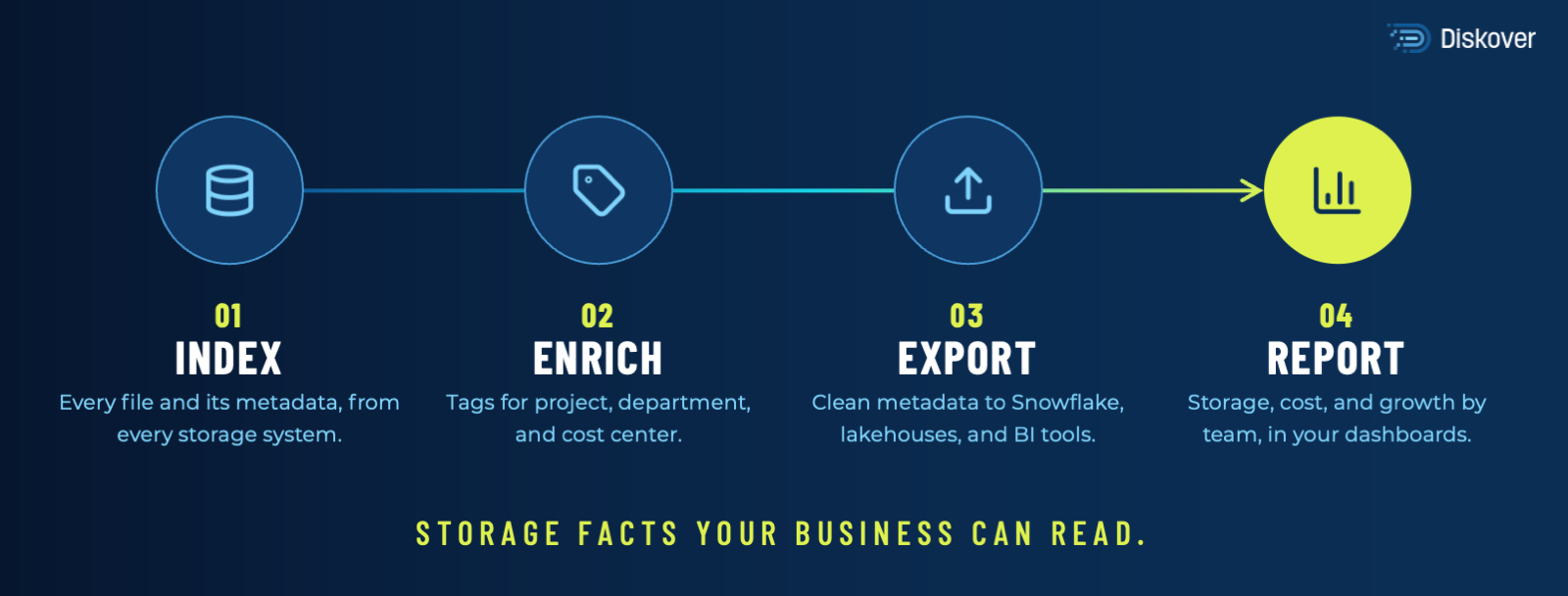
Diskover indexes every file across every storage system into one catalog, then sends the numbers to your BI tools, such as Power BI or Tableau. IT, finance, and project leads see growth, age, and cost by team, project, and tier, from the same data.
Can you report on all your storage in one dashboard?
30–50%
of storage reclaimed by tiering and removing ROT data
30+
hours a week returned to teams from manual data housekeeping
1.4B
files indexed in 2 hours on 3 nodes
I NEED TO
WHAT IT IS AND WHY IT MATTERS
What storage reporting covers.
Storage reporting turns file metadata into numbers people can act on: how much capacity each team uses, what it costs, how fast it grows, and what nobody has opened in years. It is file analytics, delivered to the people who make budget and cleanup decisions.
Most teams build these reports one storage system at a time, then merge them in a spreadsheet. The numbers rarely match, and they are out of date by the time they reach finance. One catalog fixes both: every report, in Diskover or in your BI tool, comes from the same index, so the IT view and the finance view show the same numbers.
HOW DISKOVER HELPS
Four ways to get the numbers.
Ask before you build.
Not every question needs a dashboard. Ask “Show storage used by each department, largest first” and get the answer from the same catalog, with your group permissions.
SAME CATALOG, SAME NUMBERS.
HOW IT WORKS
Index. Enrich. Report.
INDEX IN PLACE
ENRICH
REPORT
IT, finance, and project leads read the same numbers, because every report starts from one catalog.
100B+
files cataloged in one place
Diskover Media and Entertainment customer
WHAT TO REPORT ON
Five questions every storage report should answer.
Diskover answers each one from the catalog, in its own dashboards or in your BI tool.
WHERE IT FITS
Built for the storage and industries you already run.
Diskover indexes file and object storage from any vendor, on-premises and in the cloud, for teams in every industry. Explore our key partners and a few of the industries with the largest data estates.
FAQ
Common questions.

See all your storage on one report.
Book a demo and see your own storage numbers, by team, project, and tier.