


SOLUTION BRIEF | MEDIA BROADCAST
From newsroom to air, every asset ready on time.
One enriched metadata catalog for news, promo, and archive content across NAS, object, cloud, and tape.
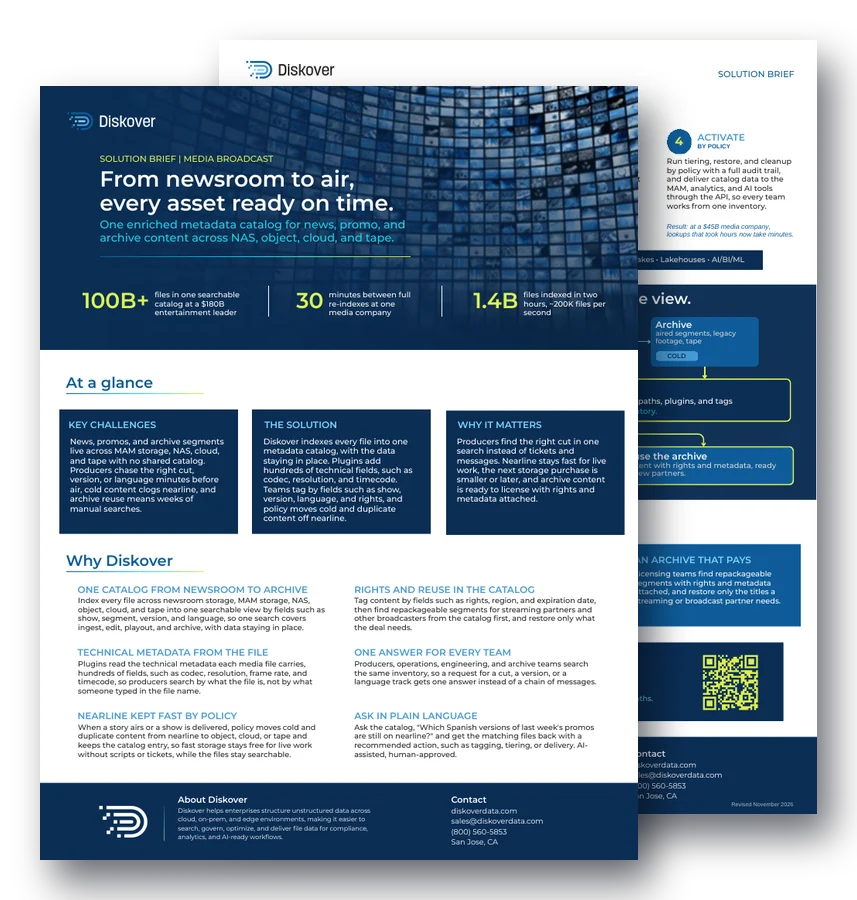
100B+
files in one searchable catalog at a $180B entertainment leader
30
minutes between full re-indexes at one media company
1.4B
files indexed in two hours, about 200K files per second
At a glance.
Key challenges.
News, promos, and archive segments live across MAM storage, NAS, cloud, and tape with no shared catalog. Producers chase the right cut, version, or language minutes before air, cold content clogs nearline, and archive reuse means weeks of manual searches.
The solution.
Diskover indexes every file into one metadata catalog, with the data staying in place. Plugins add hundreds of technical fields, such as codec, resolution, and timecode. Teams tag by fields such as show, version, language, and rights, and policy moves cold and duplicate content off nearline.
Why it matters.
Producers find the right cut in one search instead of tickets and messages. Nearline stays fast for live work, the next storage purchase is smaller or later, and archive content is ready to license with rights and metadata attached.
Why Diskover.
One catalog from newsroom to archive.
Index every file across newsroom storage, MAM storage, NAS, object, cloud, and tape into one searchable view by fields such as show, segment, version, and language, so one search covers ingest, edit, playout, and archive, with data staying in place.
Rights and reuse in the catalog.
Tag content by fields such as rights, region, and expiration date, then find repackageable segments for streaming partners and other broadcasters from the catalog first, and restore only what the deal needs.
Technical metadata from the file.
Plugins read the technical metadata each media file carries, hundreds of fields, such as codec, resolution, frame rate, and timecode, so producers search by what the file is, not by what someone typed in the file name.
One answer for every team.
Producers, operations, engineering, and archive teams search the same inventory, so a request for a cut, a version, or a language track gets one answer instead of a chain of messages.
Nearline kept fast by policy.
When a story airs or a show is delivered, policy moves cold and duplicate content from nearline to object, cloud, or tape and keeps the catalog entry, so fast storage stays available for live work without scripts or tickets, while the files stay searchable.
Ask in plain language.
Ask the catalog, “Which Spanish versions of last week’s promos are still on nearline?” and get the matching files back with a recommended action, such as tagging, tiering, or delivery. AI-assisted, human-approved.
How it works.
1. Connect
STORAGE OR IT TEAM
Point Diskover at newsroom storage, MAM storage, NAS, object, cloud, and tape. Indexing runs in place, so media stays where newsroom and playout systems expect it.
Example: the newsroom share is cataloged where it sits.
2. Catalog
AUTOMATION
Every file becomes a searchable record with rich metadata, such as name, path, and owner, enriched by plugins with hundreds of technical fields, such as codec, resolution, and timecode.
Example: a promo now shows its codec, timecode, show, and language.
3. Curate
ANY AUTHORIZED TEAM
Tag by fields such as show, version, language, and rights. Build saved searches for what teams ask daily, such as aired promos still on nearline, or segments cleared for a new region.
Example: an editor or librarian saves “aired promos” as a search.
4. Activate
BY POLICY
Run tiering, restore, and cleanup by policy with a full audit trail, and deliver catalog data to the MAM, analytics, and AI tools through the API, so every team works from one inventory.
Result: at a $45B media company, lookups that took hours now take minutes.
Key outcomes.
News and promos on time.
Producers and operations find cuts, versions, and languages in one search, so deadlines stop forcing last-minute compromises and teams spend the time on the story.
Nearline that stays fast.
Cold and duplicate content moves off premium tiers by policy, so playout and newsroom systems keep their fast storage and the next capacity purchase is smaller or later.
An archive that pays.
Licensing teams find repackageable segments with rights and metadata attached, and restore only the titles a streaming or broadcast partner needs.
Questions people ask.
How do broadcasters find the right cut before air?
Diskover catalogs newsroom, MAM, NAS, object, cloud, and tape storage in one place. Producers search by show, version, language, or technical fields such as codec and timecode, and get the file in one search.
What technical metadata can Diskover add to media files?
Plugins add hundreds of technical fields that media files carry, such as codec, resolution, frame rate, and timecode. See media plugins.
How does Diskover keep nearline storage fast?
When a story airs or a show is delivered, policy moves cold and duplicate content to object, cloud, or tape and keeps the catalog entry, so the files stay searchable.
Can archive content be reused for licensing?
Yes. Teams tag content by rights, region, and expiration date, find repackageable segments in the catalog, and restore only what a partner deal needs.
How often does Diskover update a media catalog?
It depends on the size of the storage being indexed and on how often files change. Rescans are faster than the first index, about 500,000 to 600,000 files per second, because Diskover skips folders that have not changed. IDC Digital re-indexes every file system every 30 minutes, and some customers re-index every 10 minutes.
Related resources.
See it on your own data.
We’ll index a sample of your environment and show you
what’s recoverable against your current storage spend.