


SOLUTION BRIEF | GAMING
From asset library to launch, every build accounted for.
One enriched metadata catalog for assets, builds, and test data across NAS, render farms, cloud, and archive.
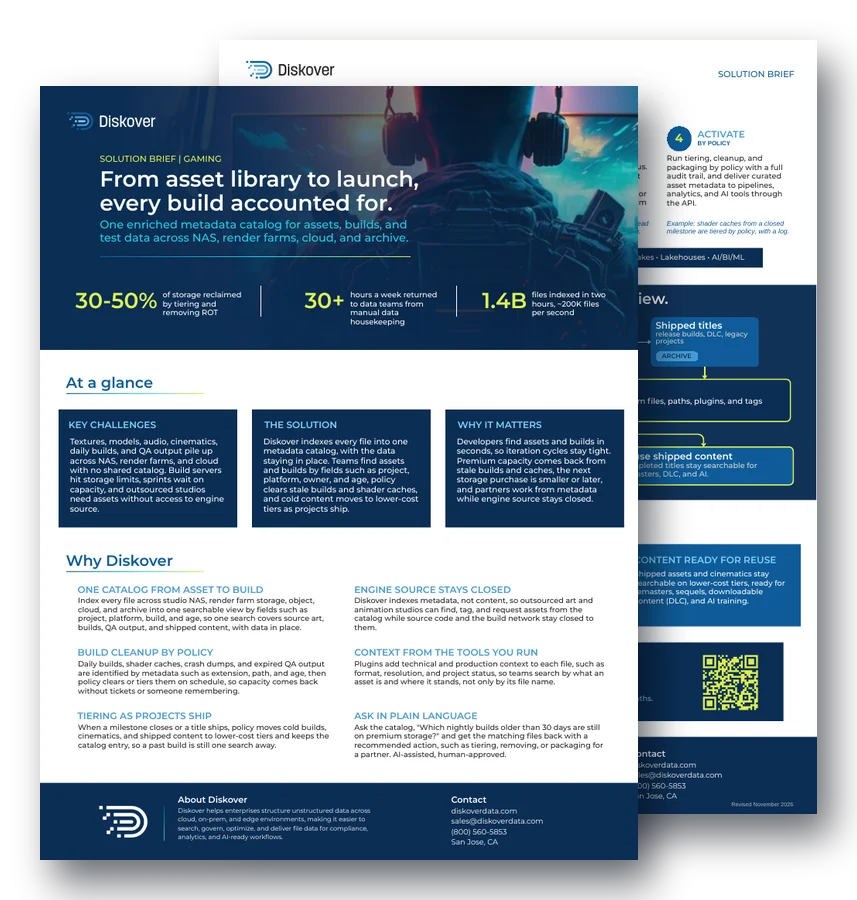
30-50%
of storage reclaimed by tiering and removing ROT
30+
hours a week returned to data teams from manual data housekeeping
1.4B
files indexed in two hours, about 200K files per second
At a glance.
Key challenges.
Textures, models, audio, cinematics, daily builds, and QA output pile up across NAS, render farms, and cloud with no shared catalog. Build servers hit storage limits, sprints wait on capacity, and outsourced studios need assets without access to engine source.
The solution.
Diskover indexes every file into one metadata catalog, with the data staying in place. Teams find assets and builds by fields such as project, platform, owner, and age, policy clears stale builds and shader caches, and cold content moves to lower-cost tiers as projects ship.
Why it matters.
Developers find assets and builds in seconds, so iteration cycles stay tight. Premium capacity comes back from stale builds and caches, the next storage purchase is smaller or later, and partners work from metadata while engine source stays closed.
Why Diskover.
One catalog from asset to build.
Index every file across studio NAS, render farm storage, object, cloud, and archive into one searchable view by fields such as project, platform, build, and age, so one search covers source art, builds, QA output, and shipped content, with data in place.
Engine source stays closed.
Diskover indexes metadata, not content, so outsourced art and animation studios can find, tag, and request assets from the catalog while source code and the build network stay closed to them.
Build cleanup by policy.
Daily builds, shader caches, crash dumps, and expired QA output are identified by metadata such as extension, path, and age, then policy clears or tiers them on schedule, so capacity comes back without tickets or someone remembering.
Context from the tools you run.
Plugins add technical and production context to each file, such as format, resolution, and project status, so teams search by what an asset is and where it stands, not only by its file name.
Tiering as projects ship.
When a milestone closes or a title ships, policy moves cold builds, cinematics, and shipped content to lower-cost tiers and keeps the catalog entry, so a past build is still one search away. See data tiering.
Ask in plain language.
Ask the catalog, “Which nightly builds older than 30 days are still on premium storage?” and get the matching files back with a recommended action, such as tiering, removing, or packaging for a partner. AI-assisted, human-approved.
How it works.
1. Connect
STORAGE OR IT TEAM
Point Diskover at studio NAS, render farm storage, object, cloud, and archive. Indexing runs in place, so assets and builds stay where pipelines and build servers expect them.
Example: build server storage is cataloged where it sits.
2. Catalog
AUTOMATION
Every file becomes a searchable record with rich metadata, such as name, path, and owner, enriched with project and build tokens from the path, plugin metadata, and tags.
Example: a nightly build now shows its project, platform, and age.
3. Curate
ANY AUTHORIZED TEAM
Tag by fields such as project, platform, milestone, and status. Build saved searches for what teams ask weekly, such as nightly builds past retention, or shader caches still on premium storage.
Example: an artist, producer, or QA lead saves “old nightly builds” as a search.
4. Activate
BY POLICY
Run tiering, cleanup, and packaging by policy with a full audit trail, and deliver curated asset metadata to pipelines, analytics, and AI tools through the API.
Example: shader caches from a closed milestone are tiered by policy, with a log.
Key outcomes.
More time building.
Data teams get back 30+ hours a week from manual data housekeeping, time that goes back into building, testing, and shipping the game.
Storage spend down.
Teams reclaim 30% to 50% of storage by tiering and clearing stale builds and shader caches, so the next capacity purchase is smaller or later.
Content ready for reuse.
Shipped assets and cinematics stay searchable on lower-cost tiers, ready for remasters, sequels, downloadable content (DLC), and AI training.
Questions people ask.
Why do game studios run out of storage?
Textures, models, audio, cinematics, daily builds, shader caches, and QA output pile up across NAS, render farms, and cloud. Without a catalog, no one knows which builds and caches can go.
Can outsourced studios use Diskover without seeing engine source?
Yes. Diskover indexes metadata, not content, so partner studios find, tag, and request assets from the catalog while source code and the build network stay closed to them.
How does build cleanup work?
Diskover identifies daily builds, shader caches, crash dumps, and expired QA output by extension, path, and age. Policy then clears or tiers them on schedule, with a log of every action.
What happens to a title after it ships?
Policy moves cold builds, cinematics, and shipped content to lower-cost tiers and keeps the catalog entry, so the content stays searchable for remasters, sequels, DLC, and AI training.
How much storage can a studio reclaim?
Diskover customers reclaim 30% to 50% of storage by tiering and removing ROT data, and data teams get back 30+ hours a week from manual housekeeping.
Related resources.
See it on your own data.
We’ll index a sample of your environment and show you
what’s recoverable against your current storage spend.