


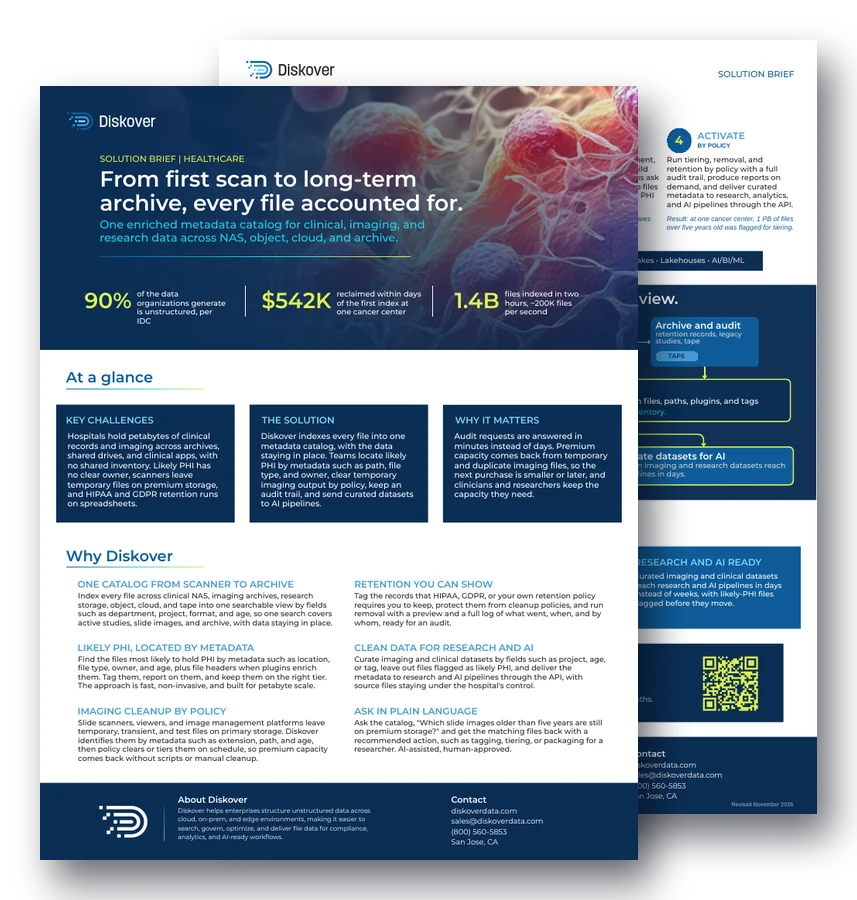
SOLUTION BRIEF | HEALTHCARE
From first scan to long-term archive, every file accounted for.
One enriched metadata catalog for clinical, imaging, and research data across NAS, object, cloud, and archive.
90%
of the data organizations generate is unstructured, per IDC
$542K
reclaimed within days of the first index at one cancer center
1.4B
files indexed in two hours, about 200K files per second
At a glance.
Key challenges.
Hospitals hold petabytes of clinical records and imaging across archives, shared drives, and clinical apps, with no shared inventory. Likely PHI has no clear owner, scanners leave temporary files on premium storage, and HIPAA and GDPR retention runs on spreadsheets.
The solution.
Diskover indexes every file into one metadata catalog, with the data staying in place. Teams locate likely PHI by metadata such as path, file type, and owner, clear temporary imaging output by policy, keep an audit trail, and send curated datasets to AI pipelines.
Why it matters.
Audit requests are answered in minutes instead of days. Premium capacity comes back from temporary and duplicate imaging files, so the next purchase is smaller or later, and clinicians and researchers keep the capacity they need.
Why Diskover.
One catalog from scanner to archive.
Index every file across clinical NAS, imaging archives, research storage, object, cloud, and tape into one searchable view by fields such as department, project, format, and age, so one search covers active studies, slide images, and archive, with data staying in place.
Retention you can show.
Tag the records that HIPAA, GDPR, or your own retention policy requires you to keep, protect them from cleanup policies, and run removal with a preview and a full log of what went, when, and by whom, ready for an audit.
Likely PHI, located by metadata.
Find the files most likely to hold PHI by metadata such as location, file type, owner, and age, plus file headers when plugins enrich them. Tag them, report on them, and keep them on the right tier. The approach is fast, non-invasive, and built for petabyte scale.
Clean data for research and AI.
Curate imaging and clinical datasets by fields such as project, age, or tag, leave out files flagged as likely PHI, and deliver the metadata to research and AI pipelines through the API, with source files staying under the hospital’s control.
Imaging cleanup by policy.
Slide scanners, viewers, and image management platforms leave temporary, transient, and test files on primary storage. Diskover identifies them by metadata such as extension, path, and age, then policy clears or tiers them on schedule, so premium capacity comes back without scripts or manual cleanup.
Ask in plain language.
Ask the catalog, “Which slide images older than five years are still on premium storage?” and get the matching files back with a recommended action, such as tagging, tiering, or packaging for a researcher. AI-assisted, human-approved.
How it works.
1. Connect
STORAGE OR IT TEAM
Point Diskover at clinical NAS, imaging archives, research storage, object, cloud, and tape. Indexing runs in place, so images and records stay where clinical systems expect them.
Example: the pathology share is cataloged where it sits. Files are not copied or moved.
2. Catalog
AUTOMATION
Every file becomes a searchable record with rich metadata, such as name, path, and owner, enriched with path tokens, file headers from plugins, and classification tags.
Example: a slide image now shows its owner, last access date, and department tag.
3. Curate
ANY AUTHORIZED TEAM
Tag by fields such as department, study, and retention class. Build saved searches for what teams ask weekly, such as scanner temp files on premium storage, or likely PHI outside approved locations.
Example: a researcher or clinician saves “old slide images” as a search.
4. Activate
BY POLICY
Run tiering, removal, and retention by policy with a full audit trail, produce reports on demand, and deliver curated metadata to research, analytics, and AI pipelines through the API.
Result: at one cancer center, 1 PB of files over five years old was flagged for tiering.
Key outcomes.
Audits answered fast.
Compliance and legal teams find likely PHI and retention records across every system in one search, then export the evidence with fields such as owner, location, and retention status.
Storage that stays clean.
Scanner temp files, duplicate images, and abandoned test output move off premium tiers by policy, so capacity comes back on its own and the next storage purchase is smaller or later.
Research and AI ready.
Curated imaging and clinical datasets reach research and AI pipelines in days instead of weeks, with likely-PHI files flagged before they move.
Questions people ask.
How does Diskover find likely PHI without reading patient files?
Diskover uses metadata, such as location, file type, owner, and age, plus file headers when a plugin adds them. That points teams to the files most likely to hold PHI, without reading file contents. See sensitive data discovery.
Where does healthcare data live, and why is it hard to inventory?
Clinical records, imaging, and research data sit across archives, shared drives, clinical apps, object, cloud, and tape. Each system keeps its own view, so no one has a single inventory of what exists and who owns it.
How does Diskover clear temporary imaging files?
Slide scanners and imaging platforms leave temporary, transient, and test files on primary storage. Diskover identifies them by extension, path, and age, then a policy tiers or removes them on schedule, with a log of every action.
How do hospitals prove retention for HIPAA and GDPR?
Teams tag the records a regulation or retention policy requires them to keep, protect them from cleanup, and run removal with a preview. Every action is logged with what went, when, and by whom.
How much storage can a healthcare organization reclaim?
At one cancer center, Diskover found half a petabyte of temporary, transient, and test data, and $542K of storage was reclaimed within days of the first index.
Related resources.
See it on your own data.
We’ll index a sample of your environment and show you
what’s recoverable against your current storage spend.