


CUSTOMER SUCCESS STORY | AUTOMOTIVE
Global automaker picks AI training data from metadata.
How an autonomous driving program plans to keep test-fleet recordings at the edge and send its models only the data they lack.
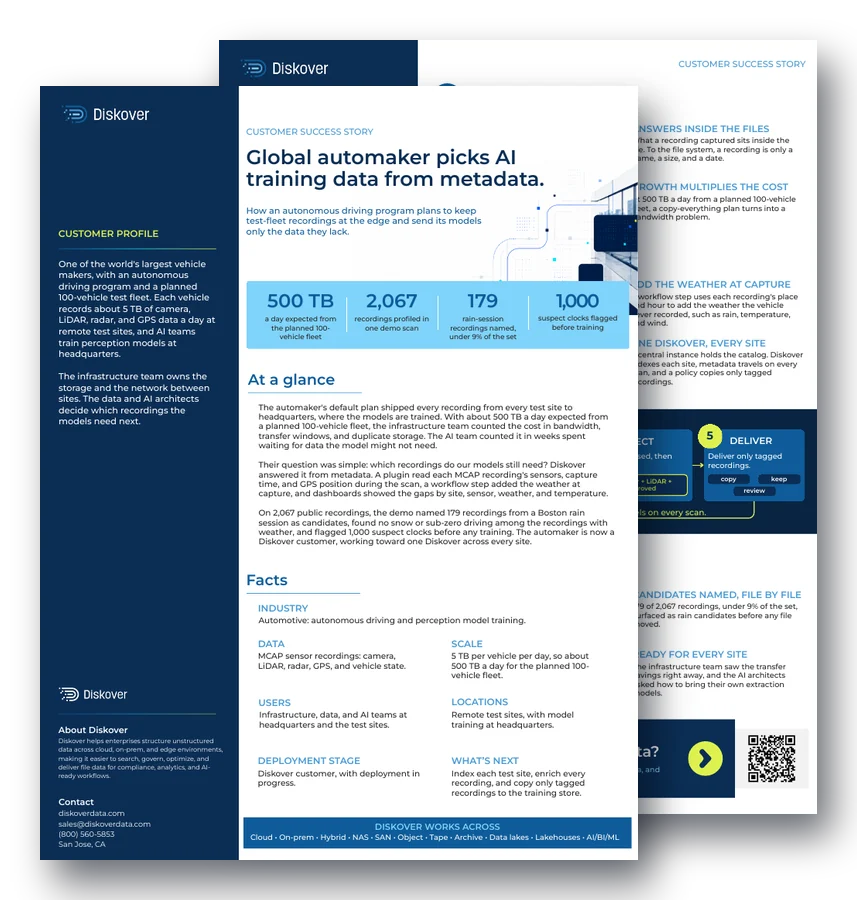
500 TB
a day expected from the planned 100-vehicle fleet
2,067
recordings profiled in one demo scan
179
rain-session recordings named, under 9% of the set
1,000
suspect clocks flagged before training
At a glance.
The automaker’s default plan shipped every recording from every test site to headquarters, where the models are trained. With about 500 TB a day expected from a planned 100-vehicle fleet, the infrastructure team counted the cost in bandwidth, transfer windows, and duplicate storage. The AI team counted it in weeks spent waiting for data the model might not need.
Their question was simple: which recordings do our models still need? Diskover answered it from metadata. A plugin read each MCAP recording’s sensors, capture time, and GPS position during the scan, a workflow step added the weather at capture, and dashboards showed the gaps by site, sensor, weather, and temperature. This is metadata enrichment at work.
On 2,067 public recordings, the demo named 179 recordings from a Boston rain session as candidates, found no snow or sub-zero driving among the recordings with weather, and flagged 1,000 suspect clocks before any training. The automaker is now a Diskover customer, working toward one Diskover across every site, so only the AI-ready data the models lack leaves the edge.
Customer profile
One of the world’s largest vehicle makers, with an autonomous driving program and a planned 100-vehicle test fleet.
Each vehicle records about 5 TB of camera, LiDAR, radar, and GPS data a day at remote test sites, and AI teams train perception models at headquarters.
The infrastructure team owns the storage and the network between sites. The data and AI architects decide which recordings the models need next.
Data
MCAP sensor recordings: camera, LiDAR, radar, GPS, and vehicle state.
Scale
5 TB per vehicle per day, so about 500 TB a day for the planned 100-vehicle fleet.
Users
Infrastructure, data, and AI teams at headquarters and the test sites.
Locations
Remote test sites, with model training at headquarters.
Challenges.
Every recording, every byte.
The default plan copied every recording from every test site to headquarters, at a cost in bandwidth, transfer windows, and duplicate storage.
Answers inside the files.
What a recording captured sits inside the file. To the file system, a recording is only a name, a size, and a date.
AI teams waiting.
AI teams waited weeks for data the model might not need.
Growth multiplies the cost.
At 500 TB a day from a planned 100-vehicle fleet, a copy-everything plan turns into a bandwidth problem.
Solutions.
Read every recording.
An MCAP plugin writes fields such as sensors, capture time, and GPS position to the catalog during the scan. Fields are added as the team’s questions change.
Add the weather at capture.
A workflow step uses each recording’s place and hour to add the weather the vehicle never recorded, such as rain, temperature, and wind.
Approved tags only.
Diskover proposes tags from the enriched fields, such as recordings captured in a wet hour, and applies them only after a person approves.
One Diskover, every site.
A central instance holds the catalog. Diskover indexes each site, metadata travels on every scan, and a policy copies only tagged recordings, with data mobility handling the transfer.
“If I can transfer only the data containing rain back home, rather than all of this data, it makes a world of difference.”
AI Data Architect, global automaker
How it works.
1. Index
Every test site indexed in place.
2. Read
MCAP fields written at scan time.
3. Enrich
Weather added from geolocation and time.
4. Select
Tags proposed, then approved.
5. Deliver
Only tagged recordings are delivered.
Recordings stay at the edge until a policy delivers them. Metadata travels on every scan.
Demo results.
Gaps on one page.
One scan of 2,067 recordings showed coverage by site, sensor, weather, and temperature. Matched recordings held no snow or sub-zero driving.
Candidates named, file by file.
179 of 2,067 recordings, under 9% of the set, surfaced as rain candidates before any file moved.
Problems caught early.
1,000 suspect clocks and 20 recordings with no position were flagged before any training.
Ready for every site.
The infrastructure team saw the transfer savings right away, and the AI architects asked how to bring their own extraction models.
Questions people ask.
Why is autonomous driving data so expensive to move?
Each test vehicle records camera, LiDAR, radar, and GPS data, about 5 TB a day. A 100-vehicle fleet produces about 500 TB a day, so copying every recording to a central training site costs bandwidth, transfer windows, and duplicate storage, and most of it may never train a model.
How can you know what a recording contains without opening it?
A plugin reads the recording’s own header during the scan, such as which sensors it holds, when it was captured, and where. Diskover writes those fields to the catalog as file metadata, so teams search recordings by sensor, time, place, and weather without opening the files.
What did the demo find on 2,067 recordings?
It named 179 recordings from a Boston rain session as candidates, under 9% of the set, showed that the matched recordings held no snow or sub-zero driving, and flagged 1,000 suspect clocks and 20 recordings with no position before any training.
Does Diskover tag recordings automatically?
Diskover proposes tags from the enriched fields, such as recordings captured in a wet hour, and applies them only after a person approves them. Approved tags then drive the policy that copies recordings to the training store.
Do recordings have to leave the test sites to be cataloged?
No. Diskover indexes each test site in place, and only the metadata travels to the central catalog on every scan. Recordings stay at the edge until a policy delivers the tagged ones to training.
Related resources.
See it on your own data.
We’ll index a sample of your environment and show you
what’s recoverable against your current storage spend.