


DATASHEET | DISKOVER + SNOWFLAKE
Metadata first. Content on demand. One catalog across every storage tier.
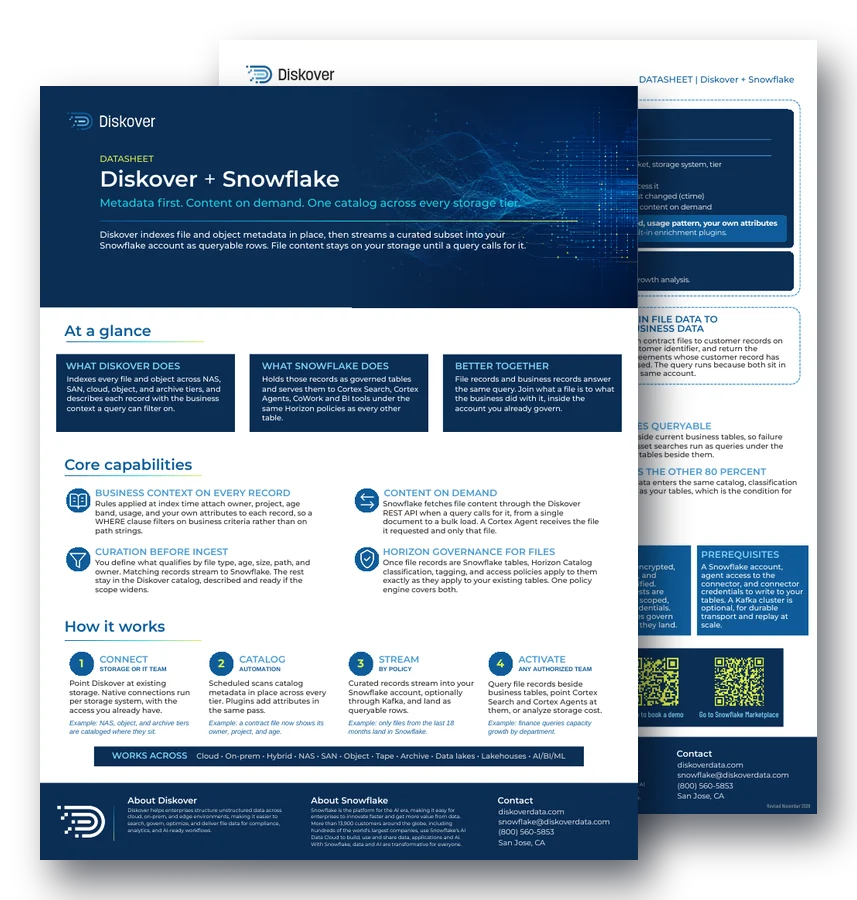
Diskover indexes file and object metadata in place, then streams a curated subset into your Snowflake account as queryable rows. File content stays on your storage until a query calls for it.
20%
of unstructured data is considered AI-ready, per Snowflake
1.4B
files indexed in 2 hours, about 200K files per second on 3 nodes
29
built-in metadata enrichment plugins
30-50%
of storage reclaimed by tiering and removing ROT data
At a glance.
What Diskover does.
Indexes every file and object across NAS, SAN, cloud, object, and archive tiers, and describes each record with the business context a query can filter on. See the enriched metadata catalog.
What Snowflake does.
Holds those records as governed tables and serves them to Cortex Search, Cortex Agents, and BI tools under the same Horizon policies as every other table.
Better together.
File records and business records answer the same query. Join what a file is to what the business did with it, inside the account you already govern.
Core capabilities.
Business context on every record.
Rules applied at index time attach owner, project, age band, usage, and your own attributes to each record, so a WHERE clause filters on business criteria rather than on path strings.
Content on demand.
Snowflake fetches file content through the Diskover REST API only when a query calls for it, from a single document to a bulk load. A Cortex Agent receives the file it requested and only that file.
Curation before ingest.
You define what qualifies by file type, age, size, path, and owner. Matching records stream to Snowflake. The rest stay in the Diskover catalog, described and ready if the scope widens.
Horizon governance for files.
Once file records are Snowflake tables, Horizon Catalog classification, tagging, and access policies apply to them exactly as they apply to your existing tables.
Worked queries.
Select a project’s files modified in the last 18 months in formats your model can use, turn storage growth into a finance question by department, or join contract files to customer records.
One pipeline, not many.
One catalog replaces a connector per storage system, so a new storage system is a connection rather than a project.
How it works.
1. Connect
STORAGE OR IT TEAM
Point Diskover at existing storage. Native connections run per storage system, with the access you already have.
Example: NAS, object, and archive tiers are cataloged where they sit.
2. Catalog
AUTOMATION
Scheduled scans catalog metadata in place across every tier. Plugins add attributes in the same pass.
Example: a contract file now shows its owner, project, and age.
3. Stream
BY POLICY
Curated records stream into your Snowflake account, optionally through Kafka, and land as queryable rows.
Example: only files from the last 18 months land in Snowflake.
4. Activate
ANY AUTHORIZED TEAM
Query file records beside business tables, point Cortex Search and Cortex Agents at them, or analyze storage cost.
Example: finance queries capacity growth by department.
Deployment and security.
Deployment
SaaS or on-prem, running against the storage you already own at exabyte scale. The request broker is managed for you, and the agents run where the storage is.
Ingestion path
Snowpipe Streaming, orchestrated by the shipped connector. Add Kafka for durable transport and replay at scale.
Security
Transfers are encrypted, authenticated, and checksum-verified. Content requests are brokered with scoped, short-lived credentials.
Prerequisites
A Snowflake account, agent access to the connector, and connector credentials to write to your tables. Kafka is optional.
Business outcomes.
Pipeline count goes to one.
Engineering time moves from maintaining ingestion to answering questions, and a new storage system is a connection rather than a project.
File history becomes queryable.
Decades of file history sit beside current business tables, so audits and asset searches run as queries under the same access controls.
Ingest volume becomes a decision.
The curation rule runs before transport, so the rows that reach Snowflake are the rows you selected.
Governance covers your files.
File records enter the same catalog, classification scheme, and access policies as your tables, which is the condition for letting an agent near them.
Questions people ask.
How does Diskover get file data into Snowflake?
Diskover indexes metadata in place, then streams a curated subset into your Snowflake account as queryable rows through Snowpipe Streaming, optionally with Kafka.
Does all my file content go to Snowflake?
No. Only metadata records you select are streamed. File content stays on your storage and is fetched through the Diskover REST API only when a query calls for it.
Do Horizon policies apply to file records?
Yes. Once file records are Snowflake tables, Horizon Catalog classification, tagging, and access policies apply to them as they do to your existing tables.
Can Cortex Agents use the file records?
Yes. Point Cortex Search and Cortex Agents at the file records, and a Cortex Agent receives only the file it requested.
What do I need to start?
A Snowflake account, agent access to the connector, and connector credentials to write to your tables. A Kafka cluster is optional.
Related resources.
See it on your own data.
We’ll index a sample of your environment and show you
what’s recoverable against your current storage spend.